The problem.
Every bug report meant leaving the page.
Context switching adds up
Reporting issues while reviewing a website usually means switching to Jira, filling in a form, uploading a screenshot, then finding your way back to where you were. Repeat that for every bug, and the review loses its flow.
JIRA Quick Create keeps the website and the ticket side by side, so you can stay in context the whole time.
The experience.
Stay on the page. Log everything.
Report it where you find it
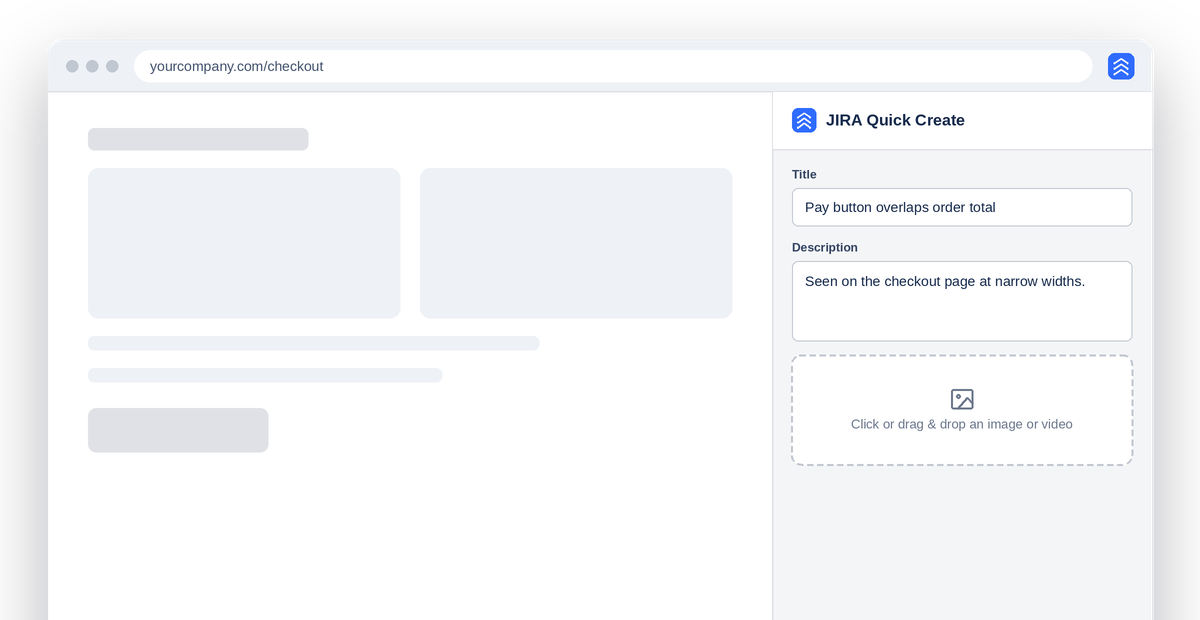
Open the side panel on any page and write the ticket without leaving your tab. The website stays in view while you describe what you see.
Many tickets, one click
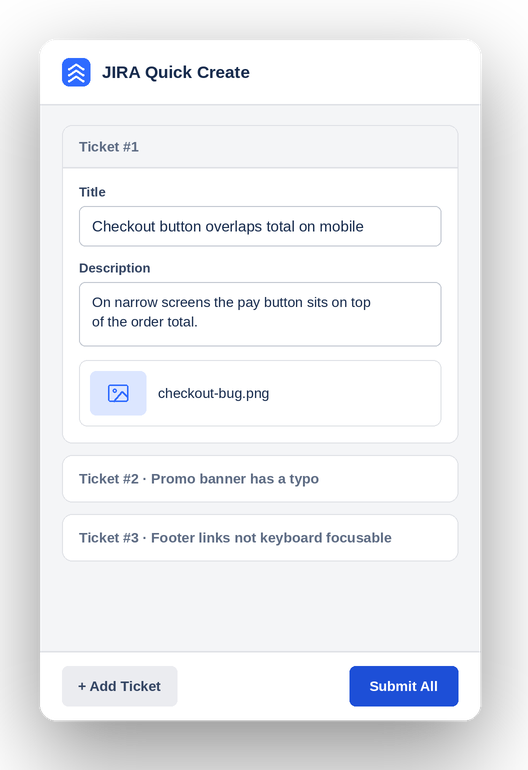
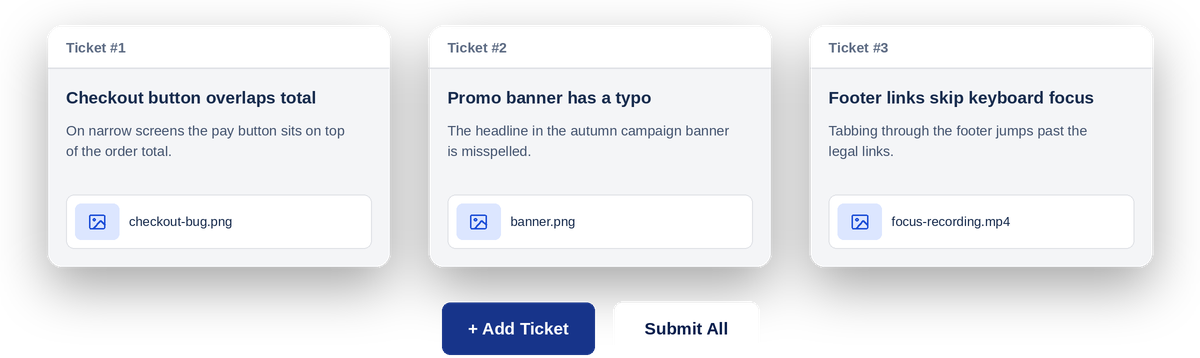
Add a ticket for every issue you spot, five or ten at a time, then send them all to Jira together with Submit All. Batching saves a lot of time during reviews.
Drag. Drop. Attached.
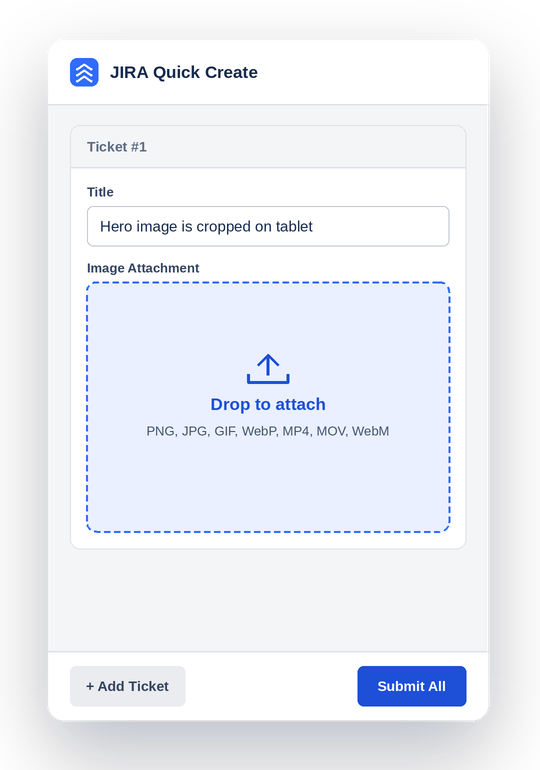
Add a screenshot or a screen recording to any ticket, straight from your desktop. Images and videos travel with the ticket into Jira.
Set it once
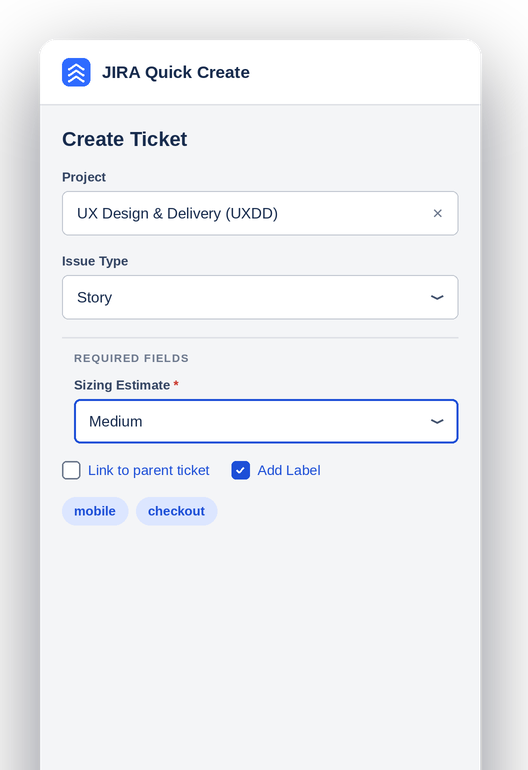
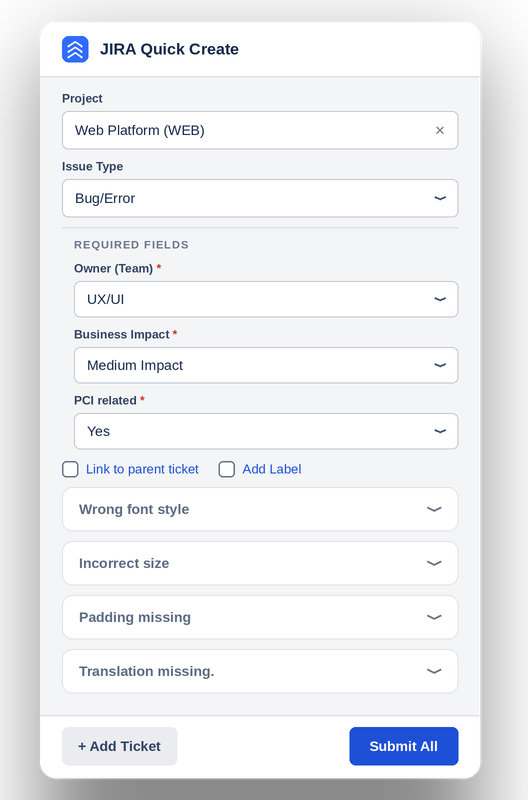
Pick the project, issue type and required fields once. They apply to the whole batch, so each ticket only needs what is unique to it.
Shared fields, separate tickets
Fill in team, business impact and other required fields a single time, then add a ticket for every issue underneath and submit them all together.
Write them all, then send
Each ticket keeps its own title, description and attachment, laid out so a full batch is easy to review before it goes to Jira.
The outcome.
Less switching. More reporting.
Published and in use
JIRA Quick Create is available in the Chrome Web Store. It turns bug reporting into a single, uninterrupted flow: find the issue, describe it, attach the evidence, and move on.